
Redact the Lead Screenshot Before You Turn It Into Proof
By Ryan Nichols
- 43 total reach
- 0 reading now•0 active 24h
- 0 shares•0 inbound
- 0 comments
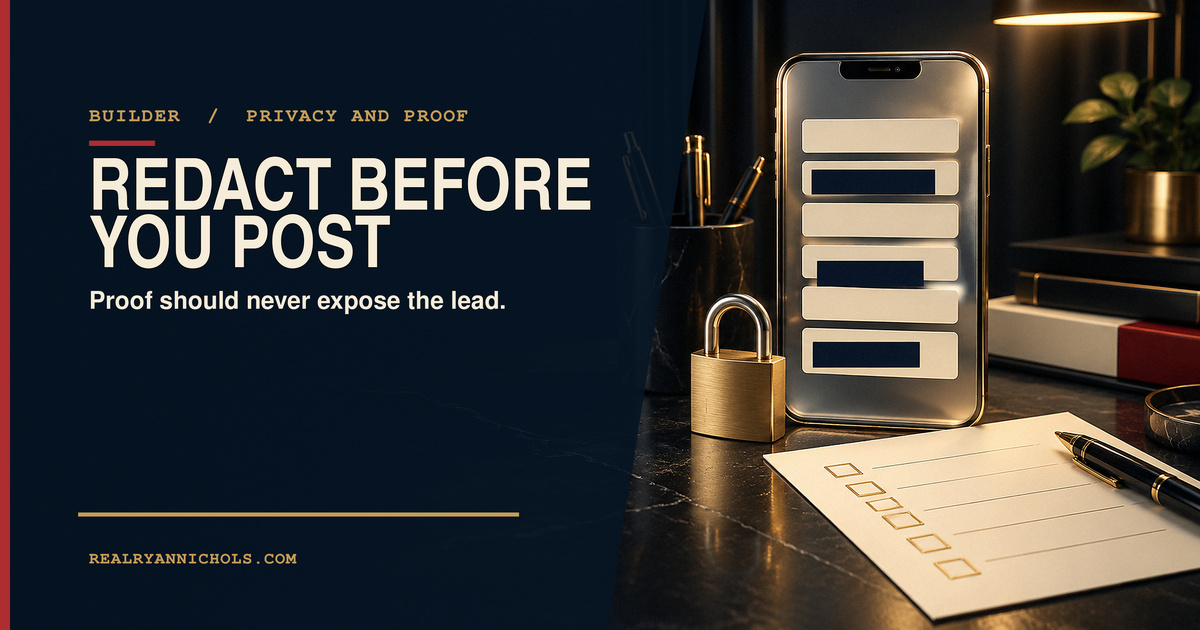
A lead notification can feel like the perfect piece of marketing proof.
There it is on the screen. A real person filled out the form. The phone buzzed. The system moved. The business has something concrete to show instead of another vague claim about “growth.”
That same screenshot may contain a name, phone number, email address, location, budget, message, campaign identifier, timestamp, or enough small clues to identify the person anyway.
Proof is useful. Trust is more valuable.
Before a lead screenshot becomes an ad, sales post, deck, case study, or text message, it needs a privacy gate.
Start with the question the screenshot must answer
Do not redact first. Define the claim first.
Are you trying to show that the form delivers an alert? That the lead includes a service category? That the system routes inquiries to a named owner? That a notification arrived outside normal hours? That the page and follow-up process connect?
Once the claim is clear, anything that does not support it becomes a candidate for removal.
The Federal Trade Commission’s Start with Security guide tells businesses to know what personal information they hold, keep only what is essential, protect what they keep, and dispose of what they no longer need. That principle applies to marketing assets too.
If the proof is “the alert arrived,” the customer’s full phone number is not proof. It is exposure.
Reader poll
What do you usually check first in a lead screenshot?
Tap your answer to vote
One tap. Free and anonymous. No signup to vote.
Use a five-layer redaction pass
1. Direct identifiers
Remove the obvious fields:
- full name;
- phone number;
- email address;
- street address;
- account or order number; and
- profile image or customer photo.
Do not leave the first name visible just because the last name is hidden. The city, service type, and timestamp may make the person easy to identify.
2. Indirect identifiers
Look for details that become identifying when combined.
A small town, unusual project, exact appointment time, employer, vehicle, property photo, neighborhood, or distinctive message can point back to one person.
Redaction is not only covering the fields labeled “personal information.” It is removing the trail.
3. Interface and account details
Check browser tabs, bookmarks, notification banners, Wi-Fi names, email folders, workspace names, campaign IDs, CRM record IDs, and the logged-in user’s avatar.
The lead may be protected while the rest of the screen exposes your company or another customer.
4. Hidden and recoverable data
Placing a translucent box over text is not enough. Cropping may leave metadata in the original file. A shared design link may still contain the unredacted layer.
Export a new flattened image. Open that export. Zoom in. Try to select or reveal what you covered. Share the flattened derivative, not the editable source.
5. Claim risk
Read the caption beside the screenshot.
Does it imply a client relationship you do not have permission to name? Does it promise a result the screenshot does not prove? Does one inquiry become “leads every day” without a verified record? Does it suggest revenue, conversion, or availability that is not shown?
The visual can be fully redacted and the caption can still be false.
Build two files, not one
Keep the original in the restricted system where the lead is actually managed.
Create a separate publishing derivative with a new filename. That derivative should contain only the evidence needed for the approved claim.
Do not let the marketing team pull from the live CRM record. Do not let the public asset overwrite the operational record. Do not store the unredacted original in the social-content folder.
This is the same operating principle behind A Good Intake Form Asks What Must Stay Private: privacy is routing data. The lead belongs in one route. The approved proof asset belongs in another.
Add a second-person review
The person who created the screenshot knows what it says. That familiarity creates blind spots.
Have another person answer four questions:
- Can I identify the lead directly?
- Can I identify the lead by combining clues?
- Does the screenshot prove the caption?
- Is the public file flattened and separate from the source?
If nobody else is available, leave the asset overnight and review it cold on another device. Phone-preview size matters because some details become more obvious when the composition is simplified.
A Social Card Needs One Source of Truth explains why one approved asset should feed every public surface. Apply the same rule here. Once the derivative passes, use that exact file in the ad, post, page, and deck. Do not recreate five slightly different redactions.
The ten-minute privacy gate
Use this before publishing:
- Write the one claim the screenshot supports.
- Duplicate the source into a restricted working file.
- Remove direct identifiers.
- Remove combined clues and screen-edge details.
- Flatten a new derivative.
- Inspect it at full size and phone size.
- Compare the caption to the actual evidence.
- Get a second-person review.
- Publish only the approved derivative.
- Record where it was used so it can be corrected or withdrawn.
The form error state and the notification are parts of the same lead system. If you are diagnosing the whole path from form to owner to follow-up, The Lead Flow Pro is a natural place to start. The diagnostic should help map the flow, but it should never require turning a customer’s private details into public proof.
Good proof leaves the person protected
A strong screenshot does not need to show everything.
It needs to show the right thing clearly and truthfully.
Redaction is not a cosmetic step added after the marketing is finished. It is one of the release gates. Build it before the asset moves, and make the safe derivative the only file that leaves the restricted system.
Reader poll
What will you add to your release gate first?
Tap your answer to vote
One tap. Free and anonymous. No signup to vote.
What private detail is hiding in the corners of the proof your business shares now?
Editorial visual disclosure: The header image is an original AI-assisted conceptual illustration. It does not show a real lead, customer, account, message, dashboard, or company record.
You made it to the end
Most people quit at the headline. You didn’t.
So don’t stop here. Pick one.
Read the book
Fighting Shadows is the whole story in my own words: the road into January 6, the D.C. jail, and the fight to get the record out.See the book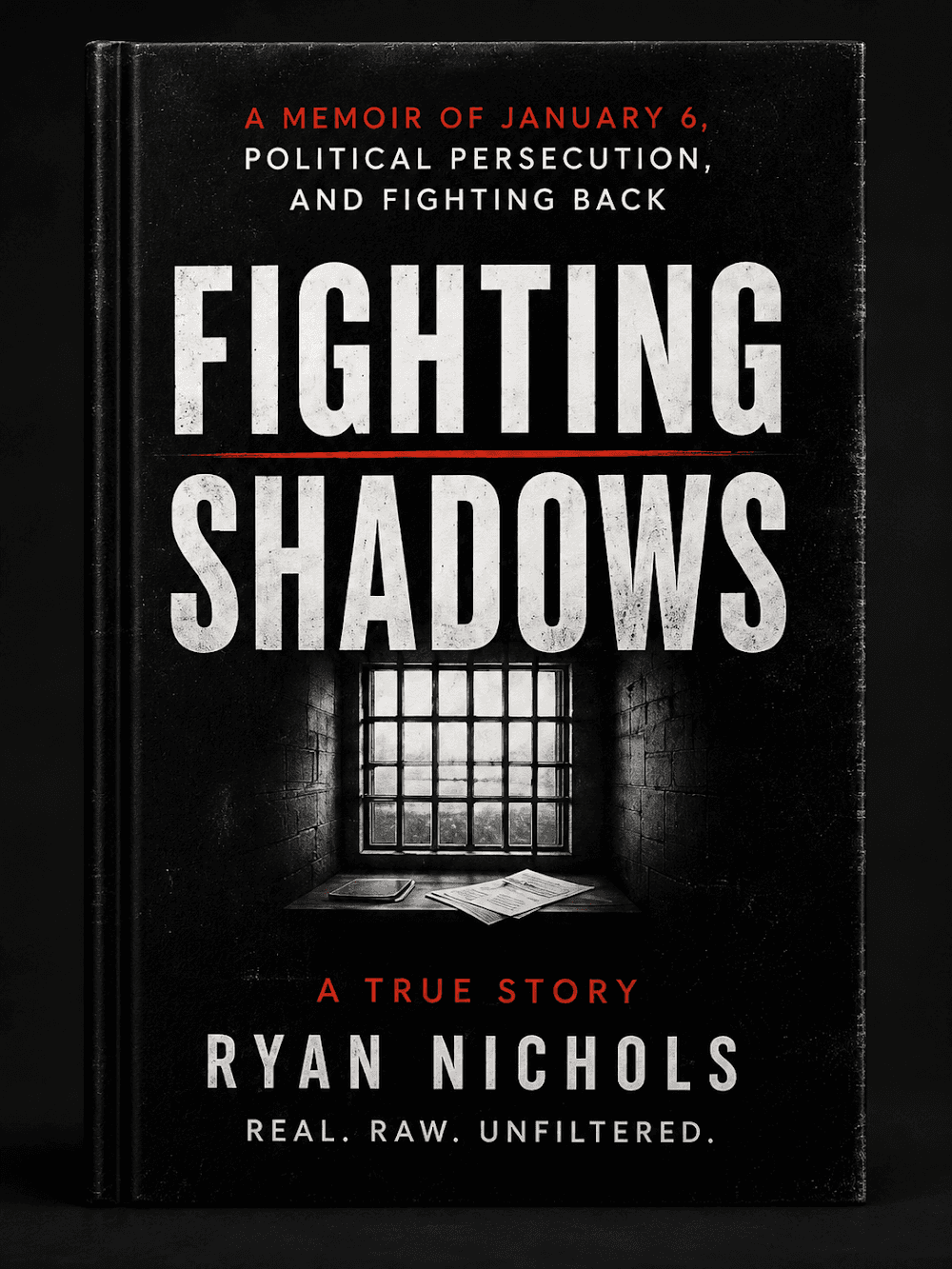
Follow the case
The record is still being written. Get one email when something new drops on it.
Hire Ryan
I built this site. Want one that brings your business real leads? Start with a free 30-minute call.See the services


Tap how this hits you — no signup, everyone sees the count
Share this post — get it back in front of people
Comments
Speak here
Create an account to comment.
This is where people can say what gets buried or cancelled elsewhere. Comments are signed-only, moderated, and tied to a real profile so the record stays usable.
No approved comments yet. Create an account and put the first opinion on the record.