
A Good Intake Form Asks What Must Stay Private
A lead form should capture privacy boundaries before the story spreads. Use this practical intake audit to protect trust and route the next step correctly.
By Real Ryan Nichols Editorial Team
- 153 total reach
- 0 reading now•0 active 24h
- 0 shares•0 inbound
- 0 comments
By Real Ryan Nichols Editorial Team

Most intake forms begin with the obvious questions.
Name. Email. Phone. What happened?
Those fields collect information. They do not collect permission.
If the message involves a sensitive business problem, a public tip, an employee concern, a legal record, or a person asking for help, the missing question can be the most important one:
What must stay private?
That answer changes who can see the submission, where it should go, how it can be discussed, and whether it belongs in any public workflow at all.
Privacy is not a footer. It is routing data.
The form should not make the user guess
“We respect your privacy” is too vague.
Does that mean the business will not sell the email address? Does it mean only one employee can read the message? Does it mean the person’s name will not appear in a public response? Does it mean the company may still contact an employer or forward the message to a vendor?
The sender should not have to translate a general policy while deciding whether to trust you.
Give clear choices.
For example:
- Keep my name and identifying details private.
- You may use my role, but not my name.
- You may contact me, but keep me out of public material.
- I am willing to be identified after you confirm with me.
Those choices do not solve every privacy issue. They create an explicit starting point.
Ask for the boundary before the upload
Many forms request attachments before they explain how the files will be handled.
That order invites mistakes.
A person may upload a full document when a redacted page would have answered the question. A customer may include a child’s information. An employee may send a file that exposes unrelated people. A source may reveal an address, account number, medical detail, or private phone number that the reviewer never needed.
Put the boundary question before the file field.
Then add a short stop list near the upload button:
- No Social Security numbers
- No bank or payment credentials
- No sealed records
- No minors’ private information
- No medical records unless a secure process specifically requires them
The goal is not to scare people away. It is to keep the first contact useful and proportionate.
Route by sensitivity, not only by subject
A form often routes messages by topic: sales, support, billing, media, or other.
Add a second routing layer for sensitivity.
A sales question with no private details can enter the normal CRM. A complaint naming employees may need a restricted queue. A public tip may need source-protection rules. A request involving an active case may need a manual hold. A message containing emergency language should immediately show the correct emergency direction instead of pretending an inbox is a response service.
This can be simple.
Use three levels:
- Standard: ordinary contact information and a routine request.
- Restricted: identifying details, allegations, employment issues, or sensitive records.
- Stop and redirect: emergencies, prohibited files, or matters your business is not equipped to handle.
The label is less important than the behavior. Each level needs a named destination and a named owner.
Use the confirmation page to repeat the promise
After submission, tell the person what happened to the message.
Do not show only “Thanks.”
Say whether the message entered a private review queue, when a response is reasonable, what the business will not do, and how to send a correction.
This is where a strong thank-you page becomes part of privacy, not just conversion.
If the submission will never be posted automatically, say that. If a public use would require a separate confirmation, say that. If the channel is not monitored continuously, say that.
Clarity lowers anxiety and reduces duplicate messages.
A real example from this site
RealRyanNichols.com’s private contact page asks users to choose a source-protection preference before submitting the detailed account. It also warns against sending sealed records, minors’ private information, Social Security numbers, bank data, or medical records through the form.
The page states the operating idea in plain language.
That sentence is useful far beyond journalism or public records.
A contractor intake form can ask whether photos show a home address. A human-resources form can separate a request for guidance from a formal complaint. A medical-adjacent service can stop users from placing protected information into a general sales form. A local business can keep a customer’s private explanation out of a shared inbox.
Run the seven-question privacy intake audit
Open the form your business uses most. Answer these questions:
- Does it ask what the sender wants kept private?
- Does it explain who receives the submission?
- Does it warn against unnecessary sensitive files?
- Can a high-sensitivity message bypass the general inbox?
- Is there a named owner for restricted submissions?
- Does the confirmation repeat the privacy boundary?
- Can the sender correct or withdraw information?
If you cannot answer one of those questions, do not hide the gap behind a privacy-policy link. Fix the flow.
The form error state matters too. A failed upload or unclear validation message can push a user to send the same sensitive material through an unsafe channel.
Trust is an operating system
People notice when a form treats their story like raw material.
They also notice when the system asks only for what it needs, names the boundary, and tells them what happens next.
That is not just compliance. It is design. It is lead flow. It is the difference between collecting a message and earning the next conversation.
Run the seven-question audit on your highest-risk form today. If you need help tracing the full path from submission to owner, confirmation, and follow-up, use The Lead Flow Pro diagnostic only after you have decided what the form must protect.
What privacy question is your current intake form failing to ask?
You made it to the end
Most people quit at the headline. You didn’t.
So don’t stop here. Pick one.
Read the book
Fighting Shadows is the whole story in my own words: the road into January 6, the D.C. jail, and the fight to get the record out.See the book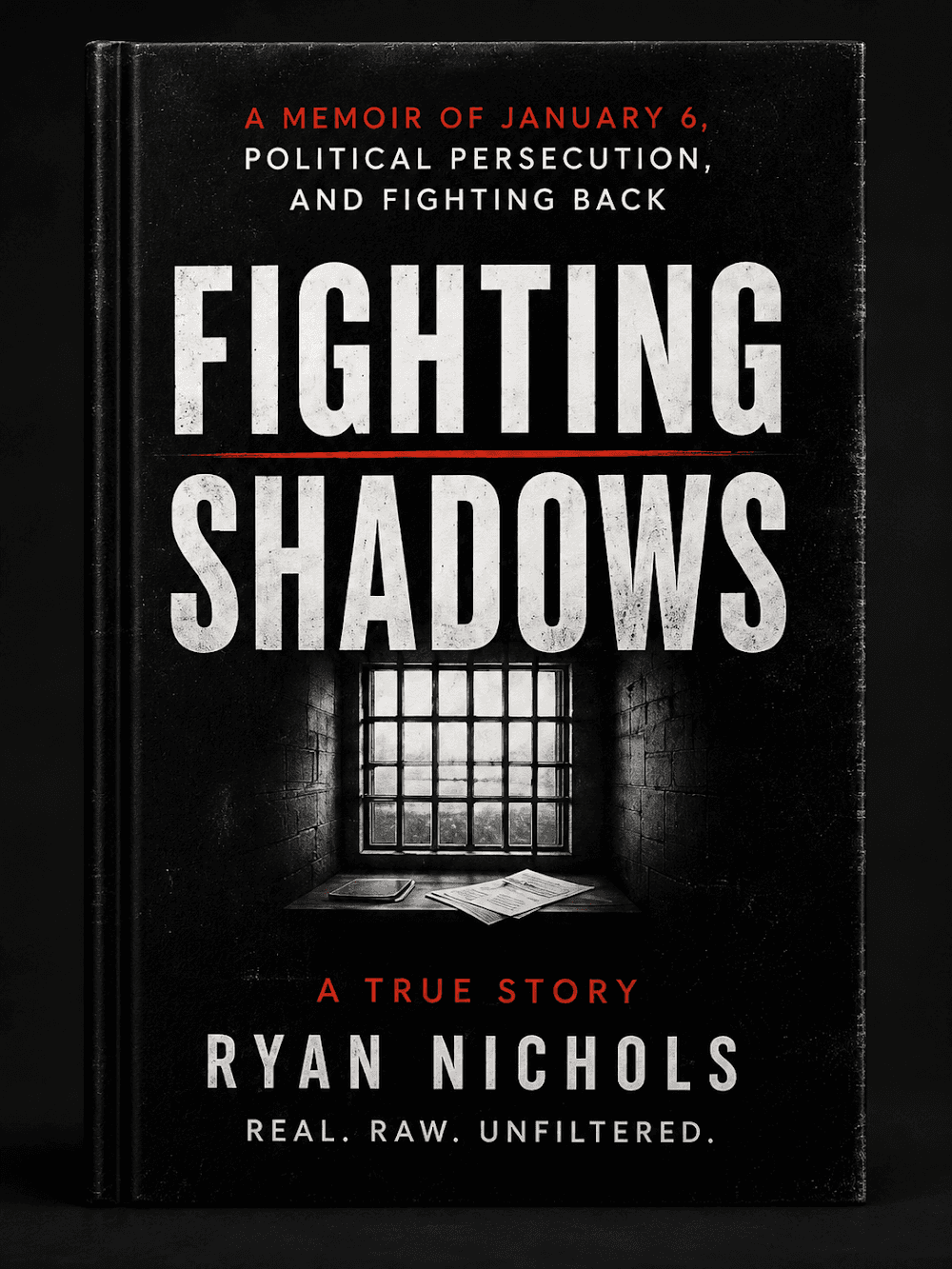
Follow the case
The record is still being written. Get one email when something new drops on it.
Hire Ryan
I built this site. Want one that brings your business real leads? Start with a free 30-minute call.See the services



Tap how this hits you — no signup, everyone sees the count
Share this post — get it back in front of people
Comments
Speak here
Create an account to comment.
This is where people can say what gets buried or cancelled elsewhere. Comments are signed-only, moderated, and tied to a real profile so the record stays usable.
No approved comments yet. Create an account and put the first opinion on the record.