
A Daily Automation Needs a Missing-Run Alarm
Silent automation failures leave no error to fix. Build a missing-run alarm with an expected result, deadline, owner, evidence, and recovery checklist.
By Ryan Nichols
- 10 total reach
- 0 reading now•0 active 24h
- 0 shares•0 inbound
- 0 comments
The easiest automation failure to miss is the one that makes no noise.
No red banner. No error email. No broken screen.
The result simply does not appear.
The report is not sent. The backup is not created. The lead is not assigned. The article is not published. The invoice reminder never leaves.
Everything looks calm because nothing happened.
A successful trigger is not the business outcome
Most automation dashboards are built around activity.
The job started. The webhook returned 200. The AI step produced text. The database query ran. The workflow ended without an exception.
That can all be true while the customer-facing result is still missing.
A daily process needs two different checks:
- Did the workflow run?
- Did the expected result exist where it was supposed to exist?
Those are not the same question.
Every Automation Needs a Failure Receipt explains how to preserve evidence when a system knows it failed. A missing-run alarm handles the harder case: the system never recorded a failure because the final result quietly disappeared.
Reader poll
How do you notice a daily workflow failed?
Tap your answer to vote
One tap. Free and anonymous. No signup to vote.
Define the expected object
“The automation should work every day” is not a monitorable statement.
Name the object that should exist.
- one report with today's date;
- one database row with a completed status;
- five scheduled posts for the current calendar day;
- one successful backup after the close of business;
- one owner assigned to every new lead;
- one confirmation receipt for every payment attempt.
Then define the deadline.
“By 6:15 a.m. Central, today's report exists, contains data, and has a delivery record.”
Now a monitor can evaluate something real.
The public feed exposed the gap
RealRyanNichols.com runs a publishing system that writes completed articles into its public feed. A production query made before this recovery run showed the following completed-post counts by Central calendar day:
The important signal is not that some days had more than the normal daily lane count. Extra editorial work can produce extra posts.
The important signal is the pair of zeros.
A system expecting daily output should not need a person to notice an aging homepage two days later. The absence itself should open an incident.
Build a five-part missing-run alarm
1. Expected result
Write one query or check that proves the outcome exists.
For a backup, confirm a new file, a successful completion status, and a plausible size. For a lead, confirm a row, an owner, and a next action. For a publication, confirm the record, public URL, image, and scheduled time.
2. Grace period
Do not fire the alarm at the exact deadline if normal processing sometimes takes a few minutes.
Add a short, measured grace period. Fifteen minutes may be enough for one system. A nightly data warehouse may need an hour.
The grace period should absorb ordinary delay, not hide a full missed day.
3. One owner
An alert sent to six people is often owned by nobody.
Assign one primary person and one backup. The alert should state what is missing, the deadline that passed, the last known success, and the first recovery step.
4. Evidence link
The alert should point directly to the run log, database query, customer record, or health screen that supports the finding.
Do not make the owner hunt through five systems just to learn whether the alarm is real.
5. Recovery checklist
Write the recovery path before the failure:
- Confirm the result is actually missing.
- Check whether another run is active.
- Inspect the last successful run.
- Preserve the failed state and evidence.
- Retry once only when the action is idempotent.
- Verify the customer-facing result.
- Record the cause and prevention step.
That “retry once” rule matters. Blind retries can create duplicate invoices, duplicate emails, duplicate posts, and duplicate work.
Monitor the edges, not only the center
The same workflow may cross a scheduler, an AI service, a database, a repository, a deployment, a public page, and a social queue.
Each tool can report success from its own point of view.
The scheduler says it fired. The repository says the file exists. The deployment says READY. The database says the row was inserted. The public domain can still return an error, the wrong image, or no visible result.
A Social Card Needs One Source of Truth shows why consistency across surfaces matters. A Backup You Have Never Restored Is Just a Feeling makes the same point from another direction: possession of an artifact is not proof the outcome works.
Monitor the final promise.
Run the seven-day empty-space audit
Pick one recurring workflow that matters to revenue, customers, safety, or records.
Look at the last seven expected runs. For each day, write:
- expected result;
- actual result;
- completion time;
- owner;
- evidence link; and
- recovery status.
If an empty day can exist without an alert, you found the next system to fix.
The Lead Flow Pro diagnostic can map the trigger, handoffs, ownership, proof, and recovery path when a business has automations but no reliable way to know what silently failed.
Automation is not finished when it can run.
It is finished when the business can prove the result arrived and knows what to do when it did not.
Reader poll
Which recurring result needs a missing-run alarm first?
Tap your answer to vote
One tap. Free and anonymous. No signup to vote.
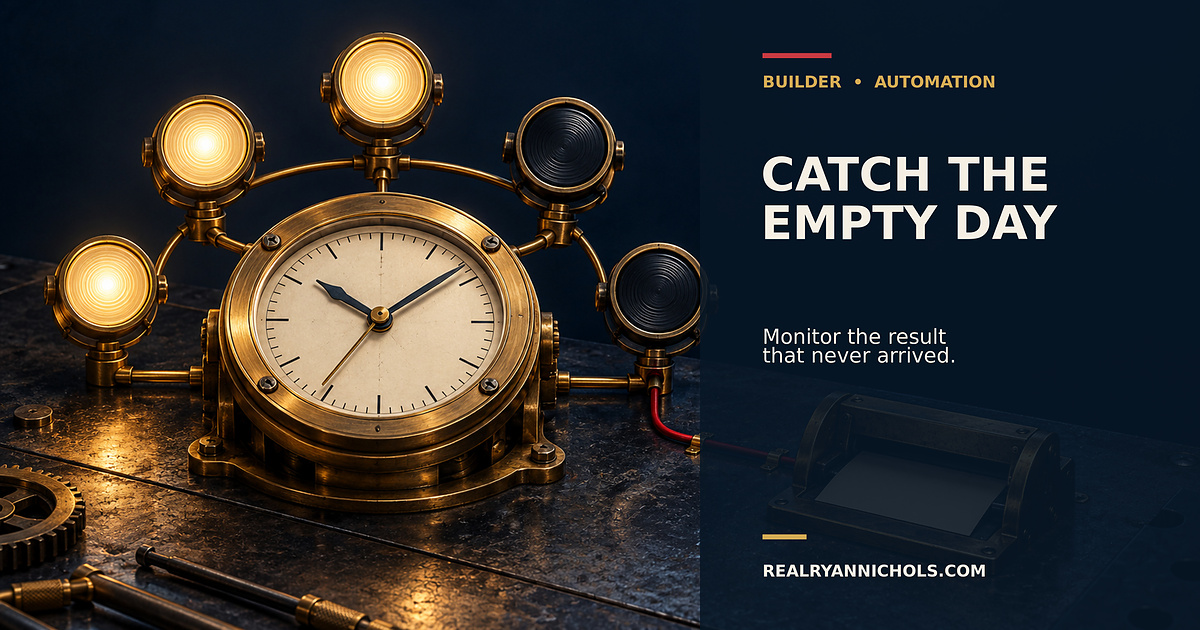
Editorial visual disclosure: The header image is an original AI-assisted conceptual illustration. It does not depict a real monitoring dashboard, incident, customer record, or private system.
You made it to the end
Most people quit at the headline. You didn’t.
So don’t stop here. Pick one.
Read the book
Fighting Shadows is the whole story in my own words: the road into January 6, the D.C. jail, and the fight to get the record out.See the book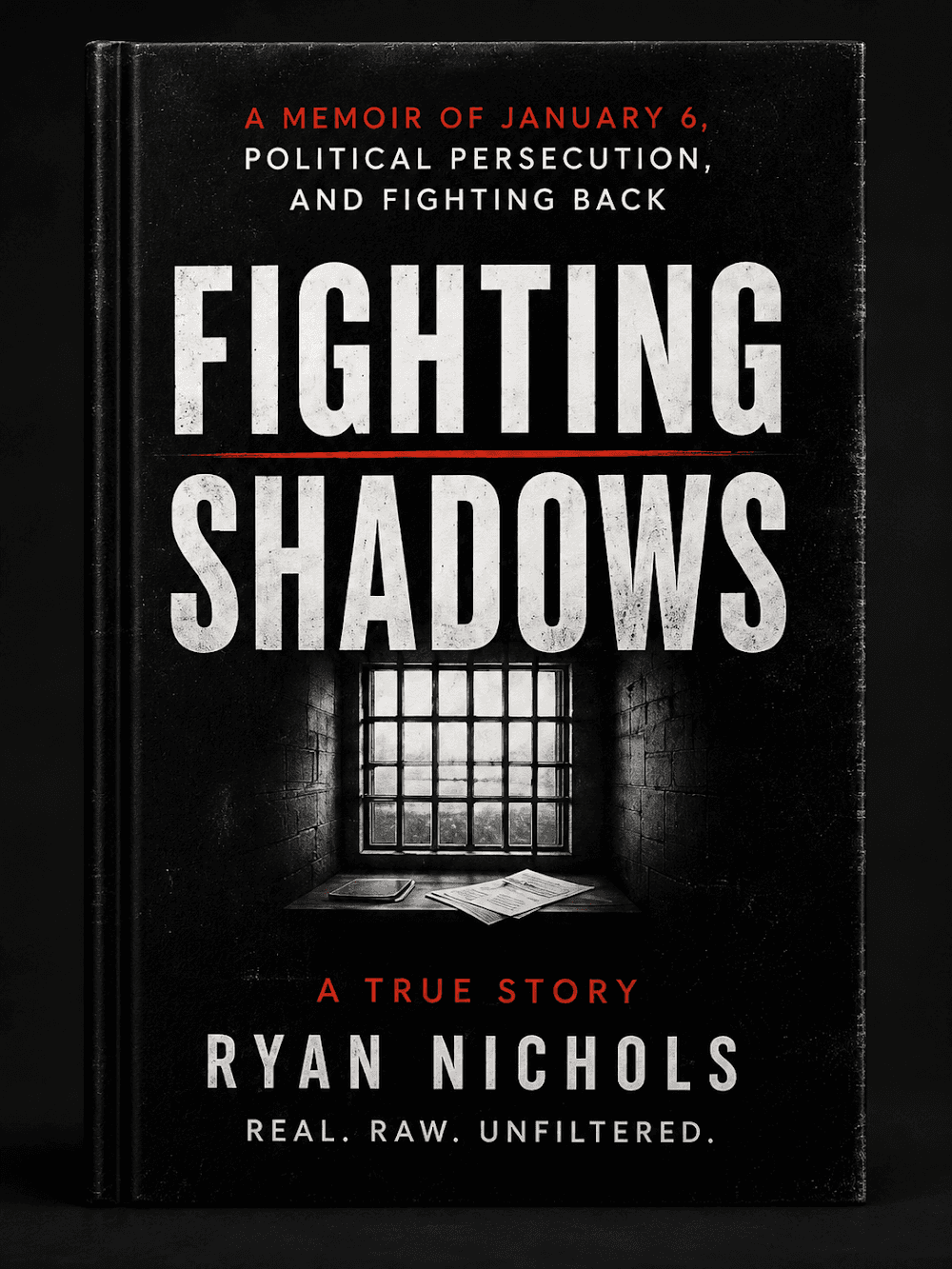
Follow the case
The record is still being written. Get one email when something new drops on it.
Hire Ryan
I built this site. Want one that brings your business real leads? Start with a free 30-minute call.See the services


Tap how this hits you — no signup, everyone sees the count
Share this post — get it back in front of people
Comments
Speak here
Create an account to comment.
This is where people can say what gets buried or cancelled elsewhere. Comments are signed-only, moderated, and tied to a real profile so the record stays usable.
No approved comments yet. Create an account and put the first opinion on the record.