
A Website Change Is Not Finished Until You Can Undo It
A website change is not finished until someone can undo it. Use this five-line rollback note before the next release breaks forms, prices, or pages.
By Real Ryan Nichols Editorial Team
- 141 total reach
- 0 reading now•0 active 24h
- 0 shares•0 inbound
- 0 comments
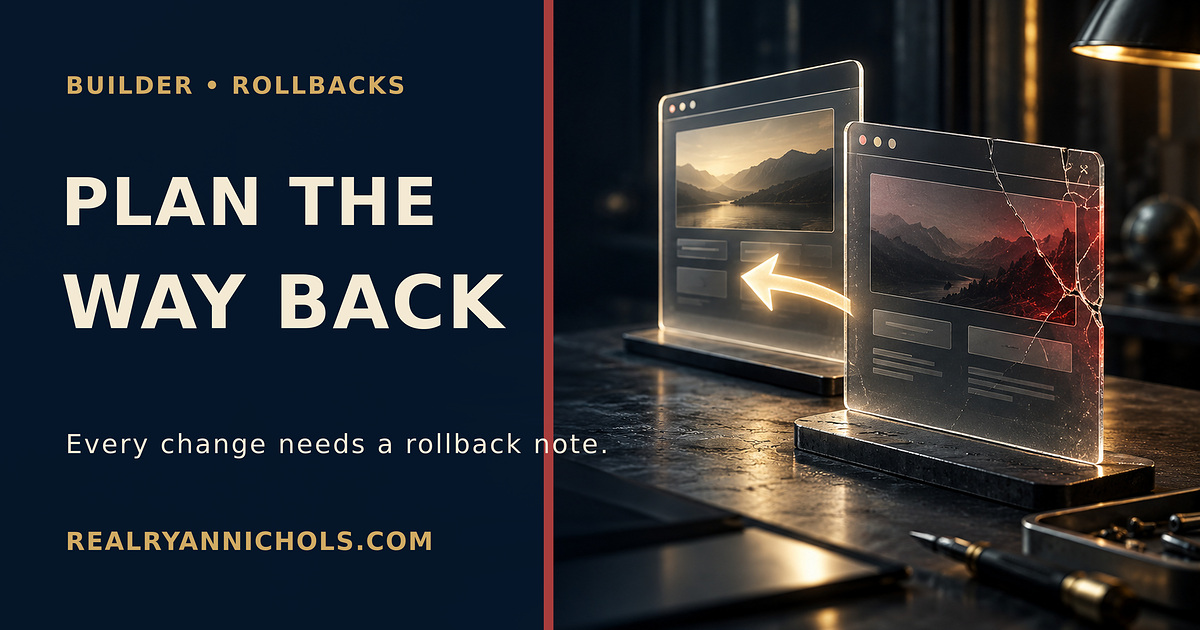
Most website changes are tested in one direction.
Does the new page load? Does the new button work? Did the new price replace the old one?
If the answer is yes, somebody publishes it and moves on.
That is half a test.
The other half is the question nobody wants to ask while the change still looks good:
How do we put it back?
A rollback is not an admission of failure
A rollback is a controlled way to restore the last known working version when a new release causes a problem.
The concept is normal in software. Git has a revert command that records a new change designed to reverse an earlier one. Hosting platforms preserve deployments so a team can point production back to a prior build.
Vercel’s Instant Rollback documentation describes the feature as a way to recover quickly from production incidents such as breaking changes or bugs. It also warns that a rollback does not automatically reverse everything outside the deployment, including changed databases, external APIs, content systems, and some environment settings.
That warning is the business lesson.
Putting the old website code back may not put the old business state back.
The damage usually lives beside the code
Imagine a local service business updates its quote form.
The new version looks cleaner. It also sends submissions to the wrong email address.
The developer can restore yesterday’s page in two minutes. That does not recover the leads submitted during the broken window. It does not tell the office which customers need an apology. It does not prove whether the notification problem began with the page, the automation, or the inbox.
Or imagine a restaurant changes a price in its website database. Rolling back the website files may restore the old layout while leaving the new price in the database.
Or a nonprofit replaces a donation link. The old page comes back, but the payment account, QR code, and scheduled social posts still point somewhere else.
The screen is only one layer of the change.
The five-line rollback note
Before a meaningful website change goes live, write five lines.
1. What is changing?
Name the page, field, form, price, integration, or automation. “Website update” is not a useful description.
2. What should still work afterward?
List the behavior you are protecting. The quote form submits. The confirmation email arrives. The old URL redirects. The phone number remains clickable on mobile.
3. What is the last known good version?
Write the deployment ID, commit, backup date, exported configuration, or saved copy. “We can probably find it” is not a recovery plan.
4. What cannot be rolled back automatically?
Name database writes, form submissions, payment records, customer messages, DNS changes, and outside services.
5. Who makes the call?
Put one person’s name beside the decision to roll back. A room full of people watching a broken page is not ownership.
Test the exit before you need it
Do not wait for the incident to discover whether the backup is real.
Use a preview or staging environment. Make a harmless change. Deploy it. Restore the previous version. Then test the page from a phone that is not logged into the admin account.
Check the pieces a customer touches:
- homepage
- top service page
- quote or contact form
- confirmation message
- email or CRM receipt
- payment or booking link
- important redirects
The point is not to prove that every tool has a rollback button.
The point is to know which parts do not.
Rollback and repair are different jobs
A rollback stops new damage.
A repair handles what happened before the stop.
If leads were missed, export the affected submissions and contact them. If prices were wrong, identify the transactions. If links broke, restore the redirects. If private information was exposed, preserve the incident record and follow the legal and security process that applies.
Do not let a restored green status light convince you that every human consequence disappeared with the bad deployment.
Small businesses need this more, not less
Large teams have incident managers, release systems, and people on call.
A small business may have one owner, one contractor, and a password somebody saved in the wrong browser.
That makes a short rollback note more valuable.
It is the handoff between the calm version of you and the version of you trying to repair a broken form while customers are already arriving.
Keep the note with the change. Keep credentials in the system that owns them. Keep the last known good version available. Then let one named person decide.
Run the audit
Open the last three website changes your business made.
Can you identify what changed, what was supposed to remain true, the last known good version, the parts outside the rollback, and the person authorized to act?
If not, write the notes now while the changes are still fresh.
If your website, forms, CRM, and follow-up tools have grown into a system nobody can safely change, map the handoffs before you add another tool. The Lead Flow Pro diagnostic is designed to find those ownership gaps.
A release is not complete because the new version is live.
It is complete when you know how to recover the business if the new version is wrong.
Which change on your website would be hardest to undo today?
You made it to the end
Most people quit at the headline. You didn’t.
So don’t stop here. Pick one.
Read the book
Fighting Shadows is the whole story in my own words: the road into January 6, the D.C. jail, and the fight to get the record out.See the book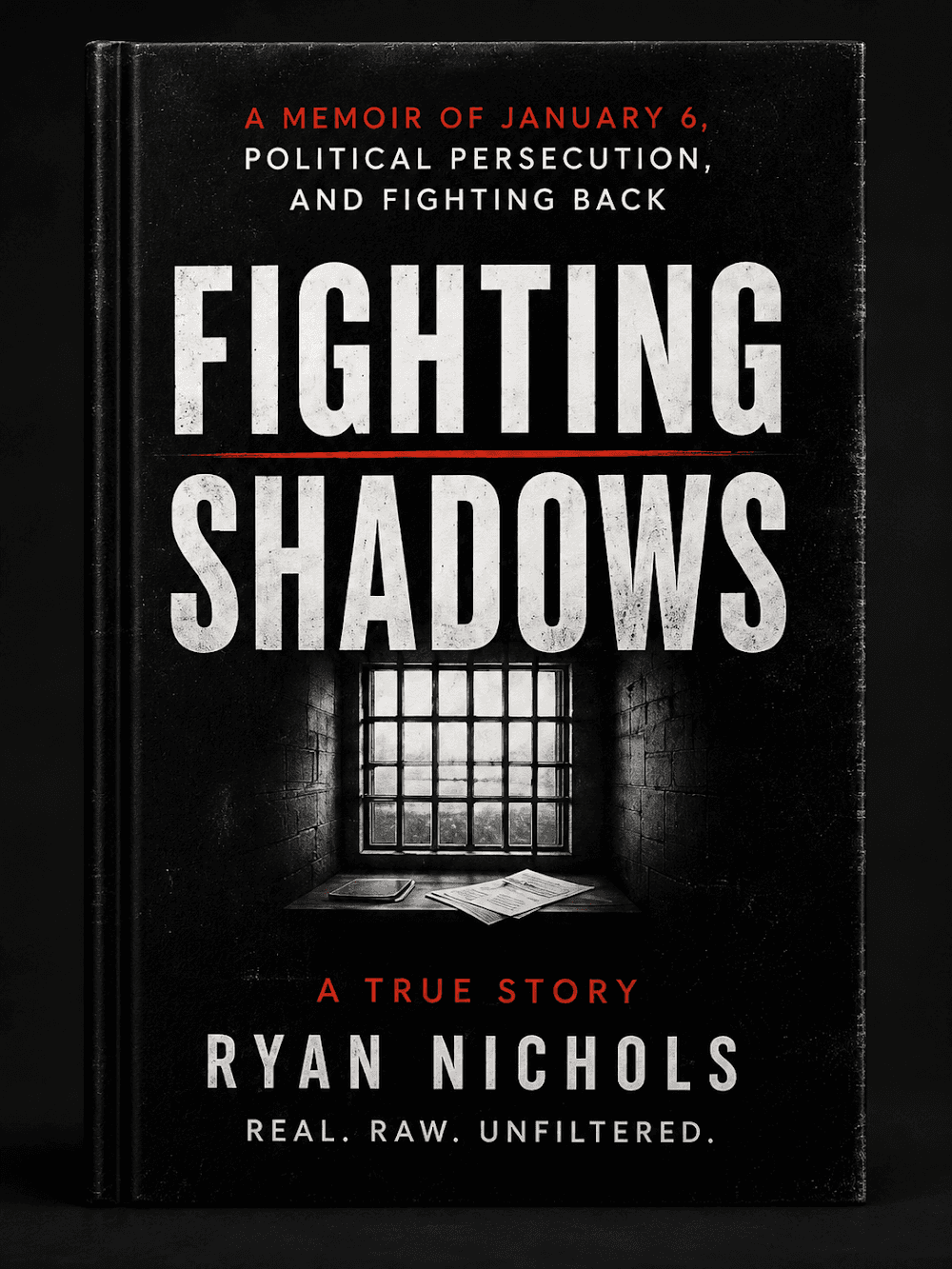
Follow the case
The record is still being written. Get one email when something new drops on it.
Hire Ryan
I built this site. Want one that brings your business real leads? Start with a free 30-minute call.See the services

Tap how this hits you — no signup, everyone sees the count
Share this post — get it back in front of people
Comments
Speak here
Create an account to comment.
This is where people can say what gets buried or cancelled elsewhere. Comments are signed-only, moderated, and tied to a real profile so the record stays usable.
No approved comments yet. Create an account and put the first opinion on the record.