
Every Automation Needs a Failure Receipt
A workflow is not trustworthy because it ran once. Build four visible receipts so automation failures create an owner, a record, and a next move.
By Ryan Nichols
- 167 total reach
- 0 reading now•0 active 24h
- 0 shares•0 inbound
- 0 comments
Most automation demos show the happy path.
A form arrives. A record appears. A message sends. A task moves. Everybody watches the clean run and calls the system finished.
The real test starts when step three fails at 2:14 on a Saturday afternoon.
Did the system record the failure? Did it preserve the input? Did one person receive an actionable alert? Can the work continue without asking the customer to start over?
If the answer is no, the business does not have reliable automation.
It has a magic trick that sometimes works.
Success messages are not enough
A green checkmark usually proves one narrow thing: the current step returned the result the software expected.
It may not prove that the next tool accepted the data, that the customer received the message, that the CRM saved the right fields, or that a human saw the exception.
Small businesses are especially vulnerable because their automations often cross several systems:
- website form
- email or text provider
- CRM
- calendar
- estimate or payment tool
- internal task board
Each system can produce its own success message while the business outcome still fails.
The cure is not a giant dashboard. The cure is a small set of receipts that follow the work from input to outcome.
Build four receipts
Receipt 1: accepted
The first receipt proves the business received the input.
For a lead form, that means a unique submission ID, timestamp, source page, and the contact information the customer knowingly provided. Store the raw input safely enough to investigate a mapping error, but do not collect sensitive data you do not need.
The customer acknowledgement should be truthful. Say the request was received. Do not say it was reviewed when no person has reviewed it.
Receipt 2: started
The second receipt proves the workflow began processing the accepted input.
Record the workflow name, version, start time, and the submission ID. This separates “the website accepted it” from “the automation actually picked it up.”
Without that line, operators waste time searching the wrong tool.
Receipt 3: completed
The third receipt proves the intended business outcome happened.
“API request returned 200” is often too weak. The useful receipt says what changed:
- CRM contact created with record ID 4182
- appointment placed on the correct calendar
- confirmation provider accepted message ID 7731
- estimate task assigned with a due time
Do not log private message content when an ID and status are enough.
Receipt 4: failed and assigned
The fourth receipt is the one most systems skip.
A failure record needs:
- the original submission ID
- the step that failed
- a plain-language error category
- whether a retry is safe
- the person or queue that owns the next move
- the deadline for that move
The alert should tell the operator what to do. “Webhook error” is noise. “Lead 4F82 was accepted but not written to the CRM; no customer data was lost; retry is safe; assigned to operations by 9 a.m.” is work.
Reader poll
What does your automation prove today?
Tap your answer to vote
One tap. Free and anonymous. No signup to vote.
Keep the receipt separate from the notification
An email is a notification. It is not the record.
If the only evidence of failure lives in one inbox, the business loses visibility when that person is absent, the mailbox rule breaks, or the thread gets archived.
Write the durable receipt first. Then send notifications from it.
That allows the team to resend an alert, change an owner, measure unresolved failures, and see whether the same step keeps breaking.
Every New Lead Needs One Named Owner explains the ownership side of the problem. A failure receipt is how automation hands that owner something usable.
Ryan described the same design principle in I Am Building Software That Keeps Its Own Receipts: build the record while the event is happening, not after a dispute forces you to reconstruct it.
That applies to customer service, lead flow, estimates, payments, document processing, and AI-assisted work.
Put a human boundary around AI
AI can classify an inquiry, summarize a call, suggest a response, or extract fields from a document. Those actions need the same receipts plus one more line: what the model was allowed to decide.
The system should distinguish:
- suggestion created
- human approved
- action sent
Do not hide all three behind one “completed” status.
When the model is uncertain, the workflow should route the item to a person. When the model output changes a customer record, preserve the source input and the final accepted value without logging more sensitive information than necessary.
The goal is not to make automation timid. The goal is to make responsibility visible.
Run the 20-minute failure-receipt audit
Choose one automation tied to money, customers, appointments, or deadlines.
Then answer these questions:
- What unique ID follows the work across tools?
- Where is acceptance recorded?
- What proves processing started?
- What proves the business outcome completed?
- Where does a failure become a durable record?
- Who owns the failure?
- Can that person retry without duplicating the outcome?
Trigger a safe test failure if your system allows it. Use a test record, not a real customer's data. Disconnect a sandbox step, send an intentionally invalid test field, or use the vendor's test mode.
Watch what happens.
If the failure vanishes, fix the receipt before adding another automation.
If your lead flow crosses a website, inbox, CRM, calendar, and follow-up process, The Lead Flow Pro diagnostic is a natural place to map the current handoffs. The useful question is not how many tools you have. It is whether every important outcome and failure leaves evidence.
Reader poll
Which receipt is missing from your system?
Tap your answer to vote
One tap. Free and anonymous. No signup to vote.
Build the four receipts. Then break the test workflow on purpose and see whether the system tells the truth.
Sharing this is the biggest help. Put it in front of one more person.
The Ryan statement above is quoted from his published article. No client result, revenue figure, or product availability claim is implied.
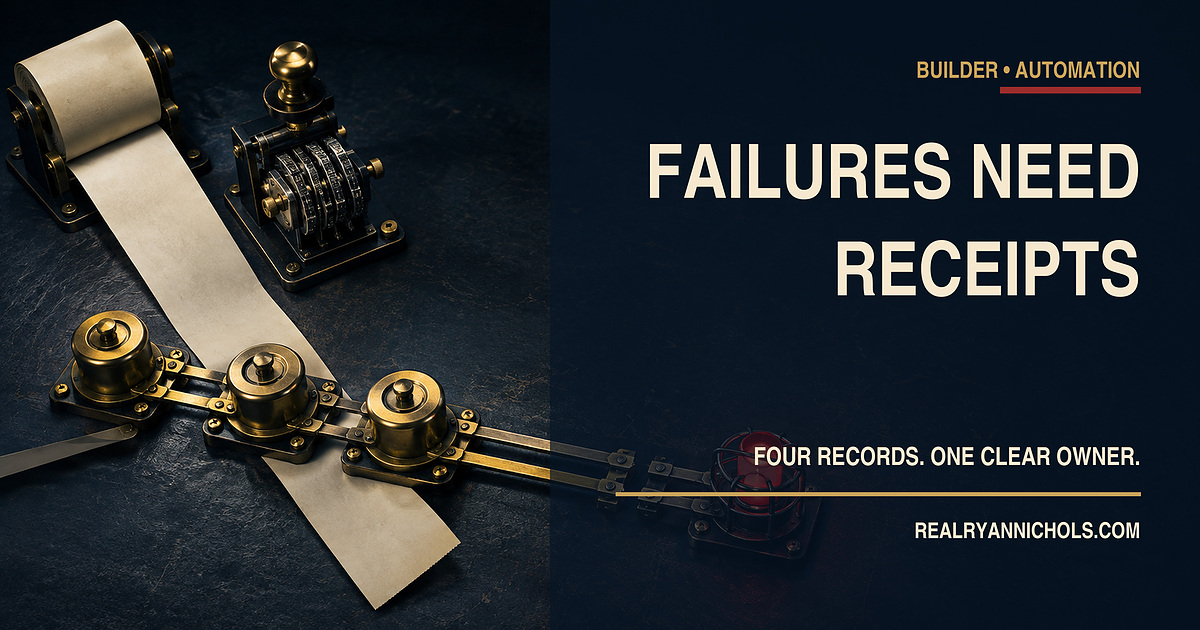
Editorial visual disclosure: The header image is an original AI-assisted conceptual illustration. It does not depict a real customer record, automation log, vendor interface, or client system.
You made it to the end
Most people quit at the headline. You didn’t.
So don’t stop here. Pick one.
Read the book
Fighting Shadows is the whole story in my own words: the road into January 6, the D.C. jail, and the fight to get the record out.See the book
Follow the case
The record is still being written. Get one email when something new drops on it.
Hire Ryan
I built this site. Want one that brings your business real leads? Start with a free 30-minute call.See the services



Tap how this hits you — no signup, everyone sees the count
Share this post — get it back in front of people
Comments
Speak here
Create an account to comment.
This is where people can say what gets buried or cancelled elsewhere. Comments are signed-only, moderated, and tied to a real profile so the record stays usable.
No approved comments yet. Create an account and put the first opinion on the record.