
Longview Residents Can Build a Smart911 Safety Profile Before the Emergency
Longview's Smart911 system sends phone, text, and email alerts and lets residents add a safety profile for first responders. Here is what to include and why.
By Ryan Nichols
- 214 total reach
- 0 reading now•0 active 24h
- 0 shares•0 inbound
- 0 comments
By Ryan Nichols
Emergency preparation usually gets described as a pile of supplies.
Water. Flashlights. Batteries. Medicine. A weather radio.
Longview residents have another practical tool available before the next warning arrives: the city’s Smart911 emergency alert system and its optional Safety Profile.
The City of Longview’s official emergency-alert page says residents can choose voice calls, text messages, email alerts, or all three. The city says the regional notification system operates through a partnership with the East Texas Council of Governments.
That alert setting is the first job.
The Safety Profile is the second.
What the profile can hold
The city says residents may add information that could help first responders during an emergency call, including:
- allergies, medications, or mobility needs
- the number of pets in the home
- a house description or gate code that could speed access
The city describes the information as private and secure and says it is shared with first responders during an emergency call.
That does not mean every household needs to enter every available field. It means each resident can decide whether a detail would help responders understand a real access, health, mobility, or household issue when time is tight.
Start with this question: What would be hard to explain clearly during the first minute of an emergency?
That is the information worth considering.
Who may benefit most
The system can be useful for any resident who wants local emergency notifications. The profile may be especially useful for households where one missing detail could slow a response.
That can include:
- a person who uses a wheelchair or other mobility equipment
- someone with a serious allergy
- a household behind a gate
- a home that is difficult to identify from the street
- a resident who relies on a landline instead of a smartphone
- a home with pets responders should expect to encounter
The city’s page specifically lists voice calls to mobile phones or landlines, SMS text messages, and email. Residents can choose more than one channel.
Redundancy matters. A phone may be silenced. A text may arrive when the network is congested. An email may be easier to reread when instructions are detailed. Choosing multiple channels gives one warning more than one route to reach you.
What remains uncertain
An emergency profile cannot guarantee a particular response, a particular arrival time, or uninterrupted service during a disaster.
It also does not replace calling 911 in an emergency. The city lists 903-237-1170 for non-emergency Public Safety Communications matters and says to call 911 to report an emergency.
Technology changes. Phone numbers change. Medications change. People move. A profile that was accurate two years ago may be less useful today.
Treat registration as the beginning, not the finish line.
Review your contact methods after a move or phone-number change. Review household details when access, medical, mobility, or pet information changes. Remove information that no longer belongs there.
If you want the broader physical checklist too, Hurricane Season Peaks September 10. Here Is What I Actually Keep Packed covers the practical kit side of preparation. Alerts and supplies solve different problems. Keep both current.
How to sign up or get help
The city provides an online Smart911 registration link from its official page, plus links to the Apple and Android apps.
Residents who do not have internet access or want help registering can visit the Longview Public Library. The city says library staff provide one-on-one registration assistance.
Use this five-step setup:
- Open the city’s official emergency-alert page and follow its registration link.
- Choose the notification methods you will actually notice.
- Add only the Safety Profile details that would help during an emergency.
- Ask another adult in the household to review the contact and access information.
- Put a reminder on the calendar to review the profile in six months.
Do not wait for thunder to start searching for the sign-up page.
Make one household decision today
Preparation works better when it is specific.
Not “we should sign up sometime.”
Choose the person who will create the account. Choose which phones and emails should receive alerts. Decide whether the household has an access or mobility detail worth adding. Then complete it while the day is quiet.
For another public-safety tool built around a simple number, read The Three Digits That Replaced a Wall of Emergency Numbers.
The next emergency may still be hard.
It does not have to begin with responders and residents missing information that could have been prepared today.
Sharing this is the biggest help. Put it in front of one more person.
Source verification: The City of Longview emergency-alert page was checked September 9, 2026, at 3:52 a.m. Central. Residents should recheck the official page for current registration options.
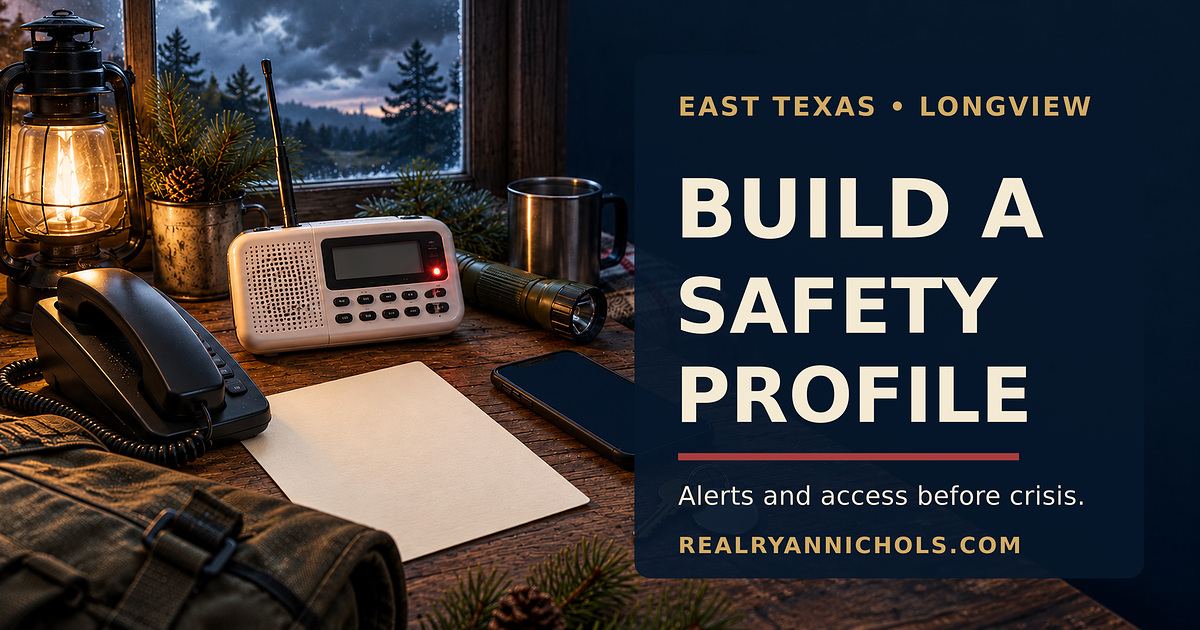
Editorial visual disclosure: The header image is an original AI-assisted conceptual illustration. It does not depict an actual dispatch screen, emergency call, resident profile, or city record.
You made it to the end
Most people quit at the headline. You didn’t.
So don’t stop here. Pick one.
Read the book
Fighting Shadows is the whole story in my own words: the road into January 6, the D.C. jail, and the fight to get the record out.See the book
Follow the case
The record is still being written. Get one email when something new drops on it.
Hire Ryan
I built this site. Want one that brings your business real leads? Start with a free 30-minute call.See the services


Tap how this hits you — no signup, everyone sees the count
Share this post — get it back in front of people
Comments
Speak here
Create an account to comment.
This is where people can say what gets buried or cancelled elsewhere. Comments are signed-only, moderated, and tied to a real profile so the record stays usable.
No approved comments yet. Create an account and put the first opinion on the record.